
Open source · MIT
macOS Liquid Glass UI
Native macOS controls for Flutter applications.
macOS Liquid Glass UI builds on macos_ui to combine familiar Flutter widgets with native AppKit controls and coordinated panes.
Why it matters
A desktop interface needs more than a content canvas. Toolbar controls, search, sidebars and inspectors need to work together within the window.
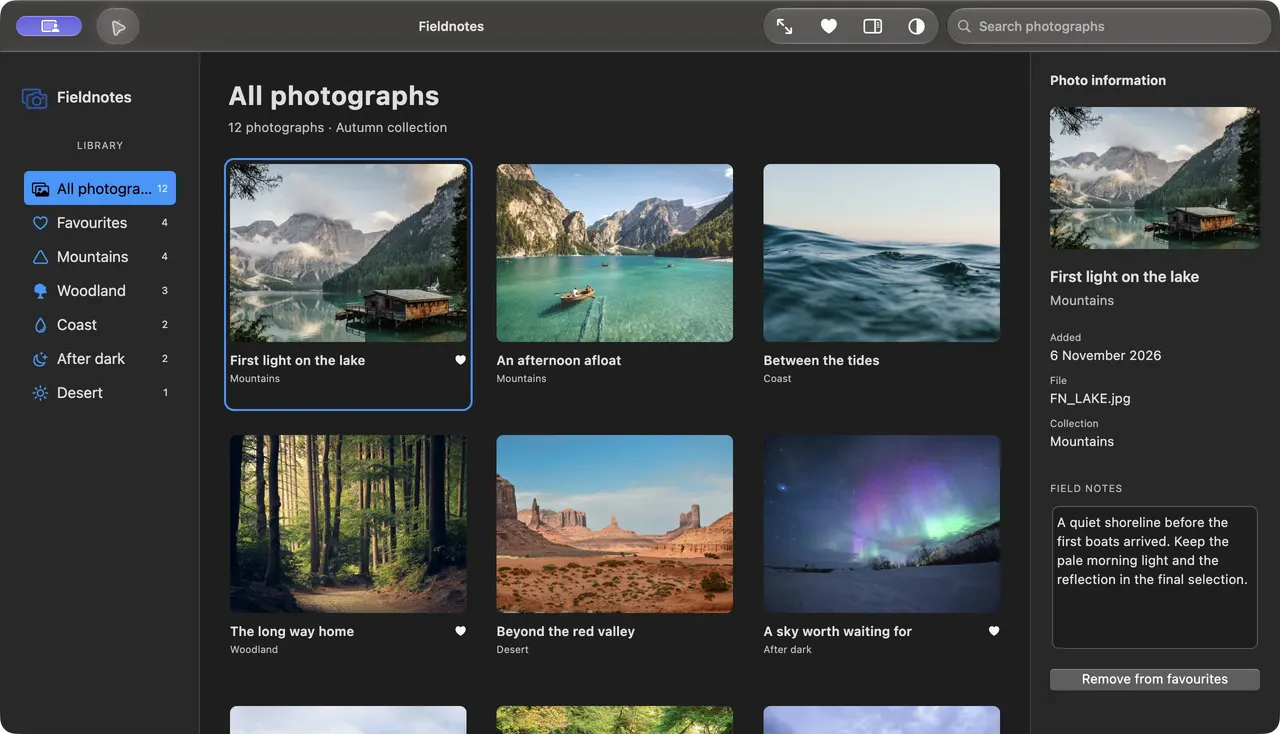
Compose a complete macOS window
Use native toolbar and search controls around Flutter content, with coordinated sidebar and inspector panes.
Use materials with platform fallbacks
Use Liquid Glass where the operating system supports it, with older-system and opaque fallbacks. Test the relevant operating system and accessibility settings for your application.