
Public source · VS Code extension
Explorer for Wrangler
Work with Wrangler projects inside VS Code.
Explorer for Wrangler brings those projects into the Activity Bar, with contextual development, deployment and resource tasks.
Why it matters
A workspace can contain several Cloudflare projects and environments. Everyday actions need the right project, environment and bindings in view.
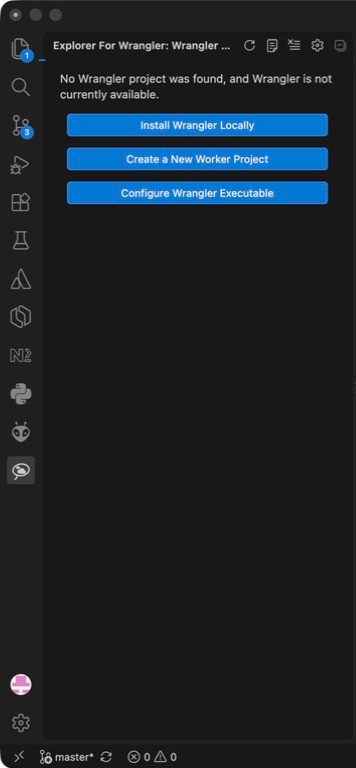
Choose the project and environment
Discover configurations across monorepos and multi-root workspaces, then select the intended environment before running a task.
Keep the CLI in charge
The extension delegates to Wrangler, preferring the project-local executable. Authentication remains with Wrangler and secret values are entered in its terminal prompts.
Inspect bindings in context
Browse configured resources and run tasks such as development, deployment, logs and type generation. Account resources have a separate view.